
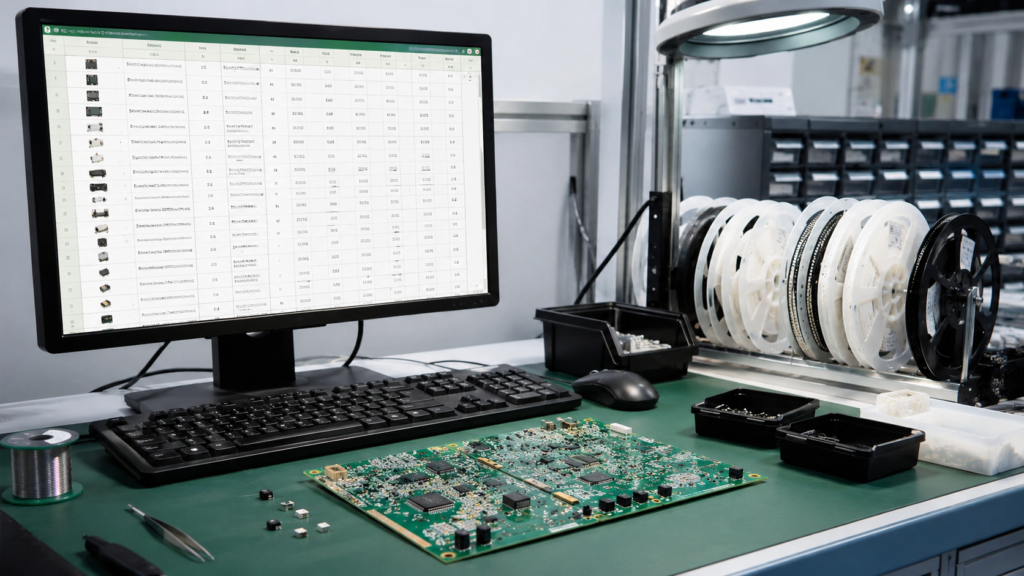
For PCB assembly, a complete Gerber package is only part of the production data. The assembly team also needs a clear BOM and an accurate pick-and-place file. These two files help confirm which components should be sourced, where each part should be placed, and how the board should be assembled.
If the BOM or placement data is incomplete, the assembly process may be delayed by sourcing questions, footprint checks, polarity confirmation, or component substitutions. A careful review before ordering can save time and reduce avoidable mistakes.
What Is a BOM?
BOM stands for Bill of Materials. It lists all components required for the PCBA, including resistors, capacitors, ICs, connectors, LEDs, switches, and other parts. A good BOM should make it easy for the manufacturer to identify and source every component.
At minimum, each BOM line should include reference designators, quantity, manufacturer part number, value, package or footprint, and component description. If you have approved alternative parts, include them clearly in a separate column.
Essential BOM Fields
- Reference designators, such as R1, R2, C5, U1, and J3.
- Quantity for each component line.
- Manufacturer part number or approved supplier part number.
- Component value, such as 10k, 100nF, or 3.3V regulator.
- Package or footprint, such as 0603, SOT-23, QFN-32, or USB-C connector.
- Component description and important ratings.
- DNP or do-not-place status for optional parts.
What Is a Pick-and-Place File?
A pick-and-place file, also called a centroid file or CPL file, tells the assembly machine where each component should be placed. It normally includes the reference designator, X and Y coordinates, rotation angle, layer side, and package information.
This file is especially important for SMT assembly. Even when the PCB design looks correct, wrong coordinates or rotations can create placement errors, especially for polarized components and IC packages.
Check Polarity and Orientation
Polarity and orientation are common sources of PCBA issues. Diodes, LEDs, electrolytic capacitors, ICs, connectors, and some modules must be placed in the correct direction. If the silkscreen or assembly drawing is unclear, the assembly team may need to pause and ask for confirmation.
Before submitting the order, check pin 1 marks, diode cathode marks, LED polarity, connector orientation, and IC rotation. Adding an assembly drawing or annotated image is helpful for complex boards.
Confirm DNP Parts
Many designs include components marked DNP, DNI, NC, or do not place. These parts may appear in the schematic and PCB layout but should not be assembled. If the BOM does not clearly identify them, they may be installed by mistake or trigger unnecessary sourcing questions.
Use a clear DNP column in the BOM and make sure the pick-and-place file matches the intended assembly version.
Review Component Availability
Before production, check whether key components are available and suitable for your schedule. ICs, connectors, sensors, and special modules can have long lead times or sudden stock changes. If a part is difficult to source, provide an approved alternative whenever possible.
For turnkey PCBA, accurate part numbers and alternative options help the sourcing team quote faster and avoid delays.
Final PCBA File Checklist
- Gerber files and drill files are complete.
- BOM includes designators, quantities, values, part numbers, packages, and DNP status.
- Pick-and-place file includes X/Y coordinates, rotation, side, and reference designators.
- Polarity and pin 1 orientation are clear.
- Special assembly notes are included.
- Alternative components are approved where needed.
- Assembly drawing or reference image is included for complex boards.
Prepare Clear Files for Faster Assembly
Clear assembly files help the manufacturer review, quote, source, and build your PCBA more efficiently. They also reduce the risk of placement mistakes and communication delays.
EazyPCB supports PCB fabrication and PCB assembly for prototypes and production runs. If you are preparing a BOM, pick-and-place file, or turnkey PCBA order, our team can help review the key files before assembly begins.
